Wall Map
The congregation's big territories with their boundaries, divided into zones and turned into cards.
Each part of MinistryMap does one job clearly - on the phone with big, readable screens, and on the computer with the full detail.
Screens shown with sample data.
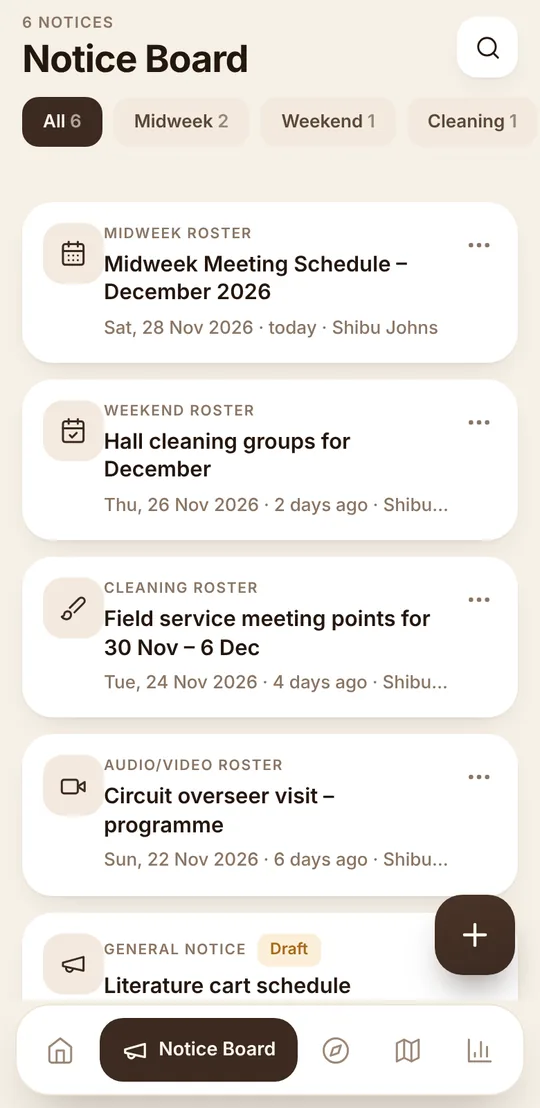
Rosters and notices are posted once and reach every phone. Publishers read them in a clean list; elders post, edit and archive.
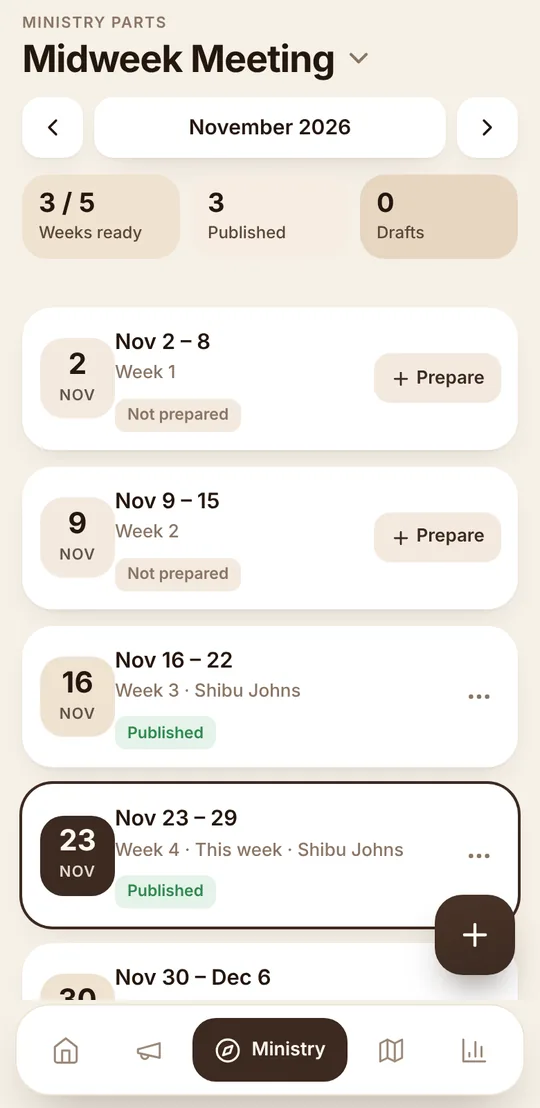
Prepare each week of the midweek and weekend meetings, see which weeks are ready, and publish when they are done.
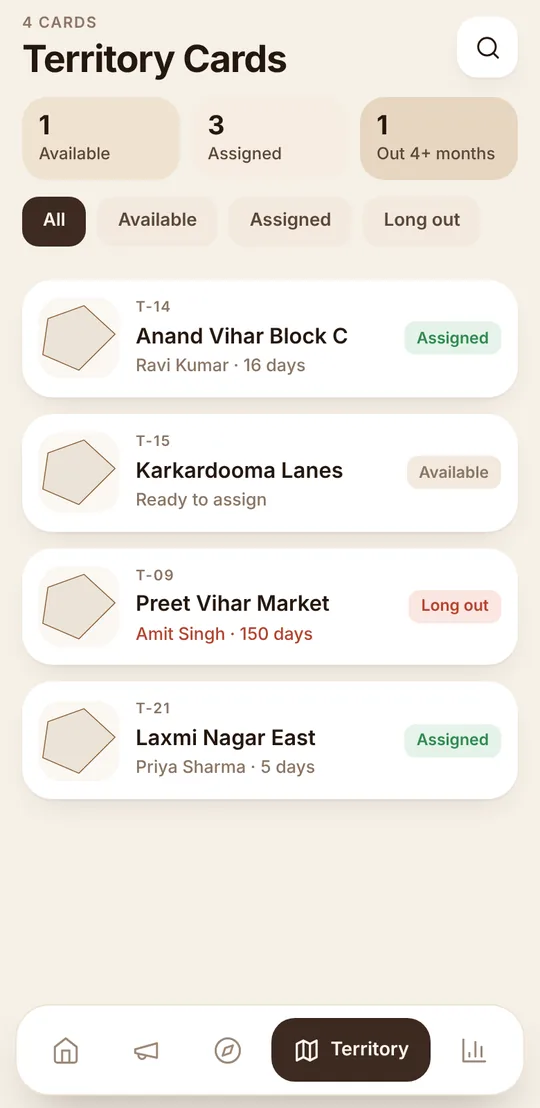
Available, assigned or out too long - each card with its map, its holder and how many days it has been out.
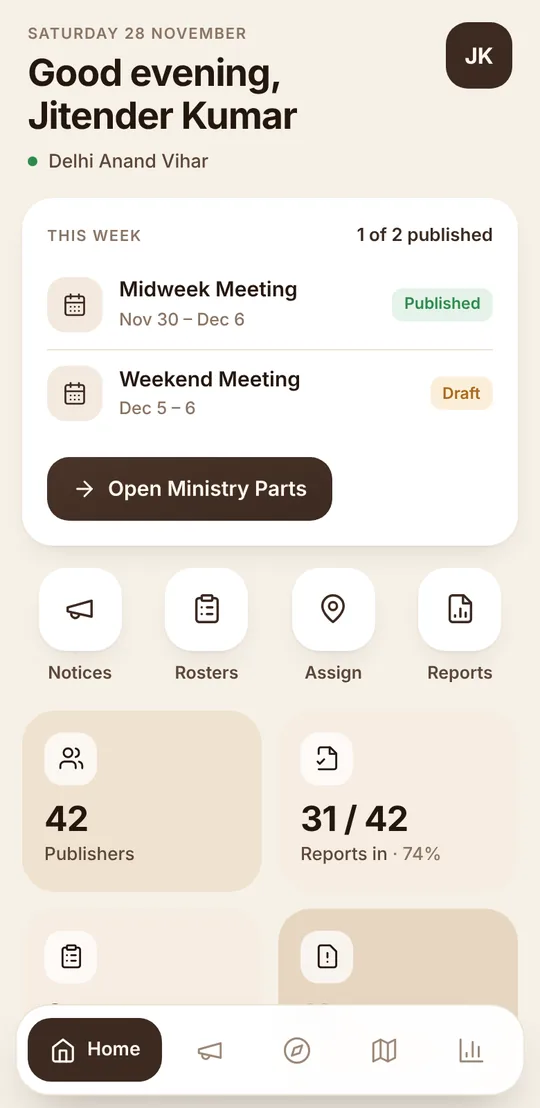
This week's meetings, the latest notices, reports in for the month and my own territory - on one screen.
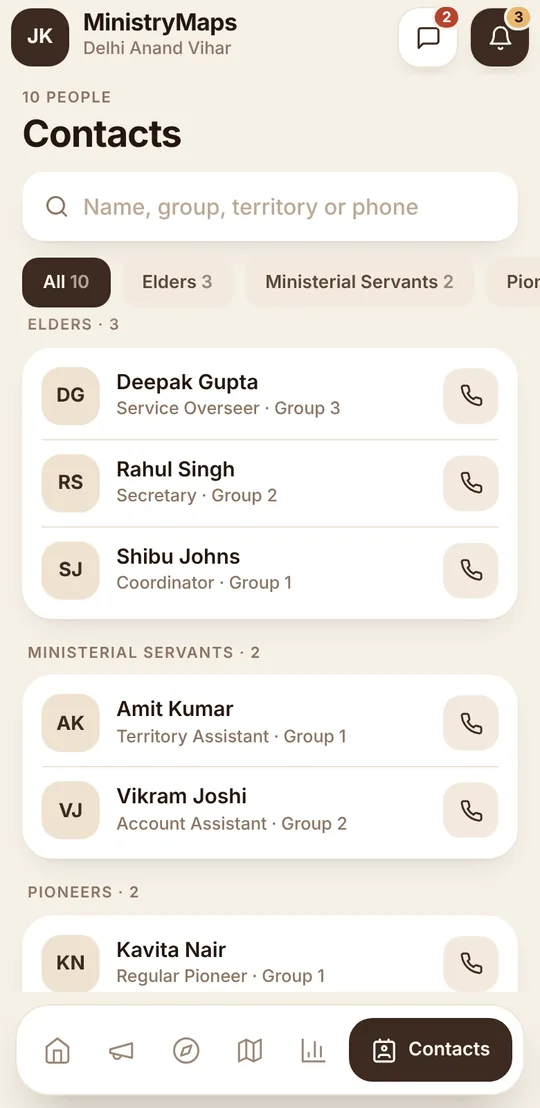
The congregation in sections - elders, ministerial servants, pioneers and publishers - with Call, WhatsApp and Message.
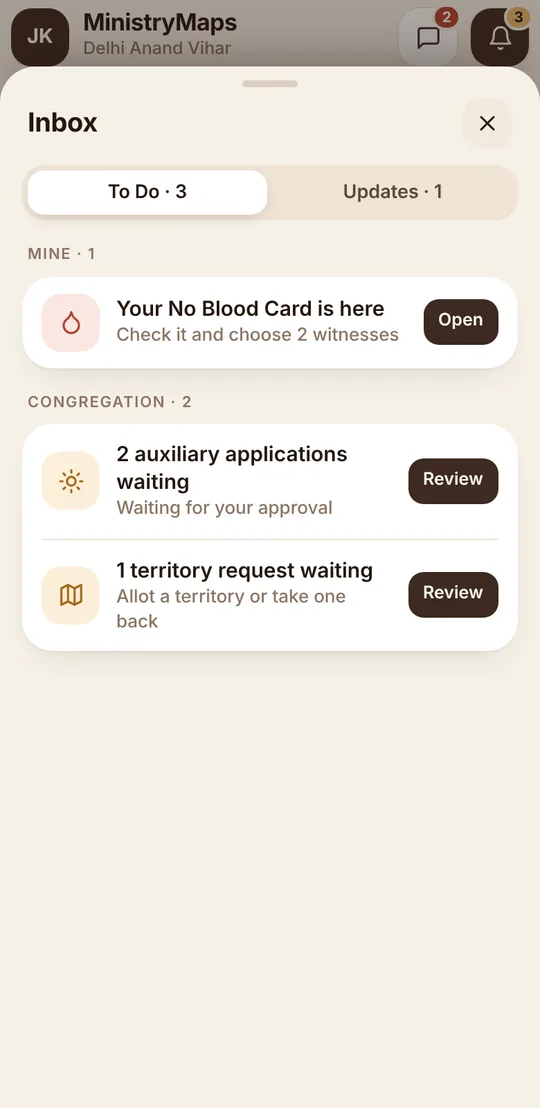
To Do shows what you have to do now and disappears when it is done. Updates shows what happened, newest first.
The congregation's big territories with their boundaries, divided into zones and turned into cards.
Draw a new territory on the map with your finger or mouse and send it to the Wall Map or straight to cards.
Start service, mark houses, draw the streets you covered, add time and send the monthly report.
Monthly reports of every publisher, groups, pioneers and reminders - with the month you choose.
The history of every module - who did what and when - with downloads as Excel, PDF, CSV or ZIP.
Personal documents and cards, with the details each one needs and the people who witness them.
Publishers never see the admin pages. Every request is checked on the server as well.
A congregation's data is for that congregation. No ads, and the data is never sold.
The same data on both - a change made on one device reaches the others.